Getty Image pricing used to be steep. Many creative professionals lack the budget to purchase and download from its premium collections. All that has changed since the stock site introduced Ultrapacks. Ultrapacks offer you the opportunity to stock up and save on spectacular videos or images from Getty Images. Learn more about it here:

What are Ultrapacks?
Ultrapacks are bulk item packs that come with a certain number of downloads at a discount. You pay for the pack upfront, then you use them to download the images or video clips you want. They come in different sizes and are divided by image resolution. Each pack cuts a percentage from the regular prices, letting you save as much as 30%.
Why should you purchase Ultrapacks?
If you have larger creative needs, Ultrapacks are certainly the more cost-effective way to download video clips and images. They have built-in savings, so you don’t need to apply a Getty Images  coupon code to see your discount. You can also download the footages and images as you need them because they don’t expire.
What usage rights can you get with Ultrapacks?
You get flexible and broad usage rights. You can use your image and video downloads in many projects, including digital, print, social media and broadcast. The Royalty-Free images and videos have multiple uses and long usage period. On the other hand, Editorial images have a 15-year editorial use rights, exclusive of use on print covers. Downloads also come with unlimited print runs and impressions, as well as unlimited indemnification.
Through Ultrpacks, Getty Image pricing is available to budget levels. Many creative professionals can now purchase and download the premium stock assets to jumpstart their creative projects. Not only that, they can save more when they purchase a larger pack with higher resolution assets. The Getty spirit is now accessible more than ever. Take advantage of this offer and download the assets you need.






 Time is money, so I’ll make this quick. There’s never been a more important time to learn about the
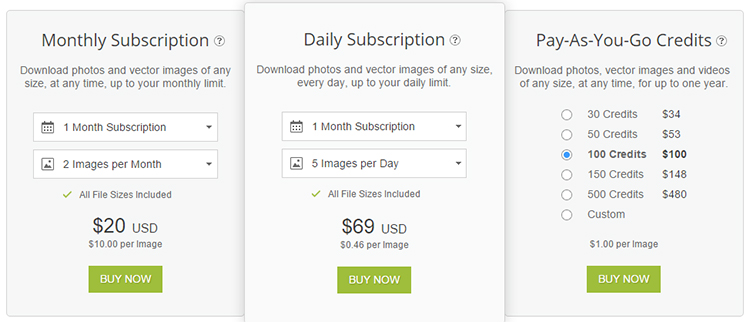
 As soon as the account is created, you’ll be awarded five free credits. They will be called pay-as-you-go credits. They won’t expire for an entire year, nor do they require any purchase whatsoever. One credit will get you one high-quality photo without a watermark to be used for your marketing purposes.
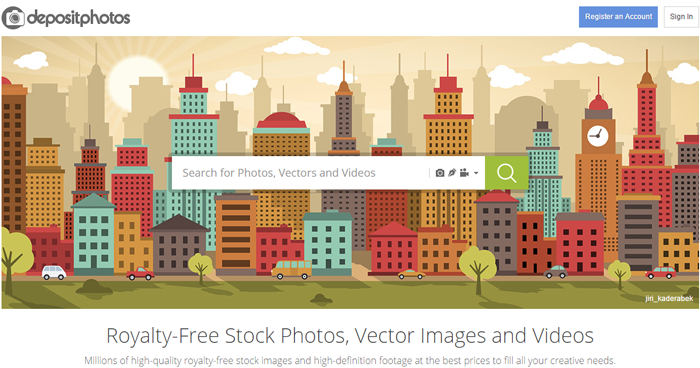 Here’s where the fun begins. Open a new tab in your browser. This way, we are pretending as if we’re not already on the DepositPhotos website. Find your bookmark and click on it. It will take you straight to the DepositPhotos website where you’ll find a search box in the middle of the screen. Your cursor will already be in the box. All you need to do is to start typing your search term then press the Enter key or the Return key. You’ll be amazed at how quickly DepositPhotos returns hundreds upon thousands of relevant photos to your browser. Bear in mind the size of their library. Within seconds of clicking on your bookmark, you’re already browsing through relevant pictures to find one that fits your purpose.
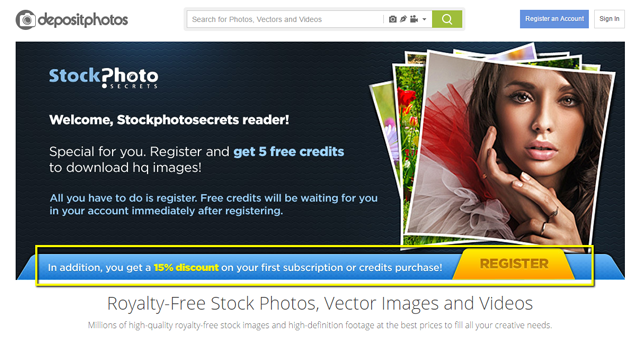 Deciding which stock photo agency to go with can be a tough decision. Every one of them is contending for your business. You have several things to look at – cost, easy to use, the kinds of images they offer – the list goes on and on. Let’s see if we can make your job a little bit easier, shall we?
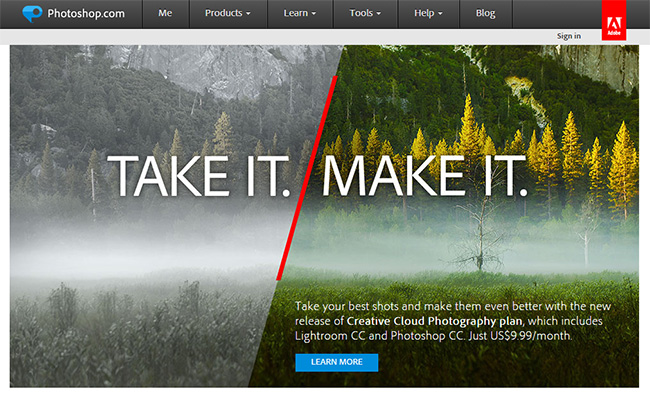 Do you use Photoshop? Most people who use stock imagery swear by it. They wouldn’t use any other digital image manipulation software. Photoshop created an industry standard. DepositPhotos made it easy for you by creating an Adobe extension. It’s a free extension that allows you to browse the 19 million-image library from directly within the application. The purchase and licensing of every image is taken care of in the background. Furthermore, you can see your account status and recharge your account without ever opening a browser. This frees up more time to find and edit the images as you see fit without any of the distractions or extra steps opening a browser, logging into your account, and finding images the traditional way. It streamlines the process so you can squeeze every minute your workday that you need to. Most people in the writing industry must adhere to strict deadlines and this Adobe extension blocks any distracting factors inherent in the work process.